Fun and versatile photo editor
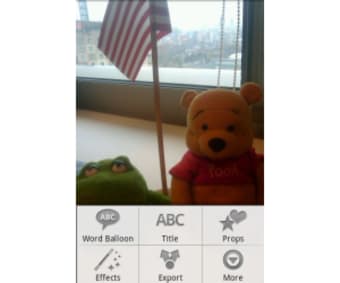
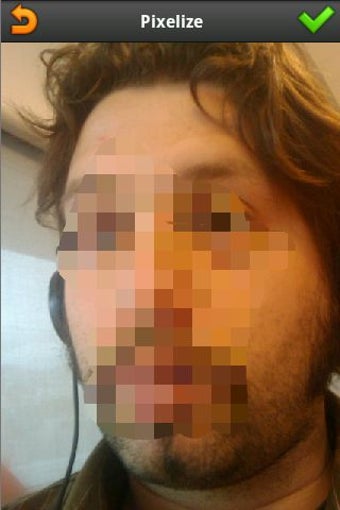
PicSay is a photo editing application that combines ease of use with creative flexibility. It enables users to enhance images with color adjustments, crop and straighten tools, and playful effects such as warp, bulge, and pinch. The app also provides customizable speech balloons, text titles, and a library of stickers, supporting both casual photo fixes and imaginative edits. Available in a free Lite version and a Pro version, it delivers additional high-resolution support and creative tools for more advanced editing needs.
Top Recommended Alternative

Intuitive editing and creative control
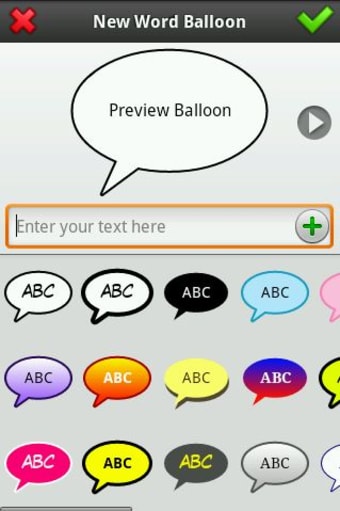
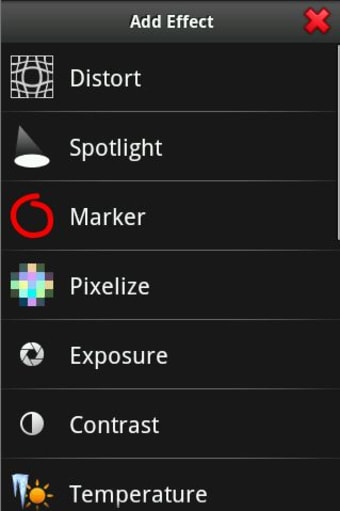
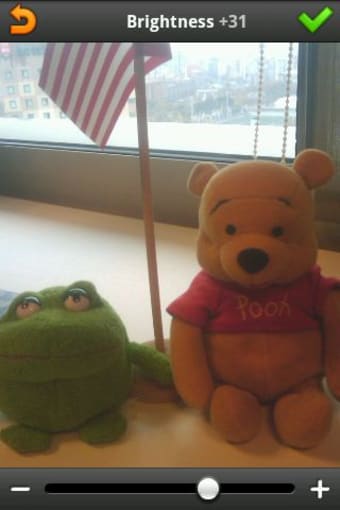
PicSay offers a range of tools designed for precise adjustments and imaginative enhancements. Users can modify brightness, contrast, saturation, and exposure, remove red-eye, or apply selective color effects. The text and speech balloon system allows custom fonts and styling, while stickers and props add fun visual elements. The Pro version expands possibilities with higher-resolution editing and the ability to layer external images, making it suitable for social media content, meme creation, and personalized visual storytelling.
Streamlined workflow and sharing
The application maintains a lightweight design that ensures smooth performance on a wide variety of devices. It includes direct sharing options to social platforms and messaging apps, as well as local export capabilities. Its interface balances quick, practical edits with creative freedom, letting users achieve results without unnecessary complexity. Both Lite and Pro versions offer a consistent experience that accommodates casual users and those seeking more advanced photo editing features, making PicSay versatile for different creative needs.
Final thoughts
PicSay remains a reliable and engaging photo editor, offering a balance of performance and creative potential. Its combination of basic adjustments, playful effects, and layered editing tools makes it suitable for casual users, meme creators, and social media enthusiasts. While some advanced features require the Pro version, the app provides a straightforward and flexible editing experience. Users can quickly enhance or personalize photos while also exploring more complex creative options when desired.